course.computer_vision

Teach machines to see.

Learn to process images and extract meaning from them with Python — OpenCV, transformations, feature detection, object detection, image classification and working recognition projects. Self-paced, hands-on, from raw pixels to a labeled world.

$ python detect.py scene.jpg course
+opencv +features +detectiondetections: 7 modules, 3 projects — illustrative output
Extreme macro of a camera lens, its glass elements reflecting a thin arc of light
fig.01 / input frame 2 keypoints · 1 detection
output.capabilities

What you'll be able to see.

  1. + Load, inspect and transform images with OpenCV and NumPy.
  2. + Find edges, corners and keypoints that describe a scene.
  3. + Match features between images to align, stitch and track.
  4. + Detect objects in photos and video and evaluate the results.
  5. + Train an image classifier on a dataset you build yourself.
  6. + Ship a working visual recognition project, end to end.

detections: 6 capabilities · confidence: yours to build

pipeline.vision

From photons to a label.

Every computer vision system runs the same relay: capture light, clean the signal, find structure, locate objects, name them. The course follows that exact path.

A strip of photographic film frames laid on a glowing light table
fig.02 / frames in sequence
  1. 01

    capture

    A camera turns light into a grid of numbers.

  2. 02

    transform

    The image is reshaped, filtered and normalized.

  3. 03

    features

    Keypoints and edges condense pixels into structure.

  4. 04

    detect

    Regions of interest become labeled boxes.

  5. 05

    classify

    Each region gets a name — and a confidence.

core.techniques

Four techniques that do the seeing.

OpenCV gives you hundreds of functions; four ideas tie them together. Transform the image, find its stable features, locate what matters, and give it a name.

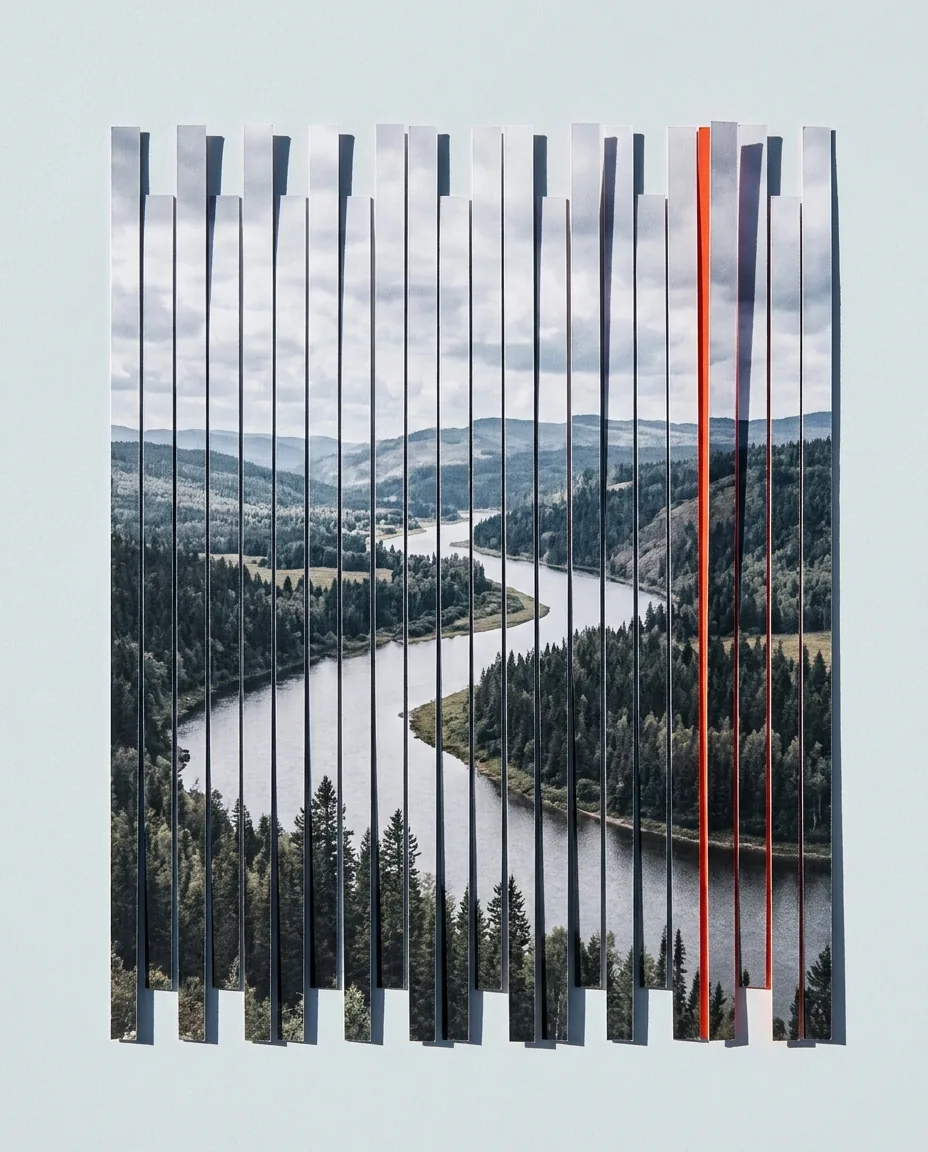
A printed photograph sliced into strips and reassembled with a deliberate offset
1/4
img.transform

Transformations: reshape the signal.

Resize, rotate, warp and re-color an image until it is in the shape your algorithm expects. Learn how pixels move under affine and perspective transforms, and why a corrected input beats a clever model.

img_transform.py
import cv2

img   = cv2.imread("page.jpg")
gray  = cv2.cvtColor(img, cv2.COLOR_BGR2GRAY)
flat  = cv2.warpPerspective(gray, M, (w, h))
Extreme macro of a fingerprint, ridges curving around a dark core
2/4
img.features

Features: find what survives change.

Corners, edges and keypoints are the parts of an image that stay recognizable under rotation, scale and light. Detect them, describe them, and match them between frames.

img_features.py
orb = cv2.ORB_create(nfeatures=500)

kp, des = orb.detectAndCompute(gray, None)
matches = bf.knnMatch(des_a, des_b, k=2)
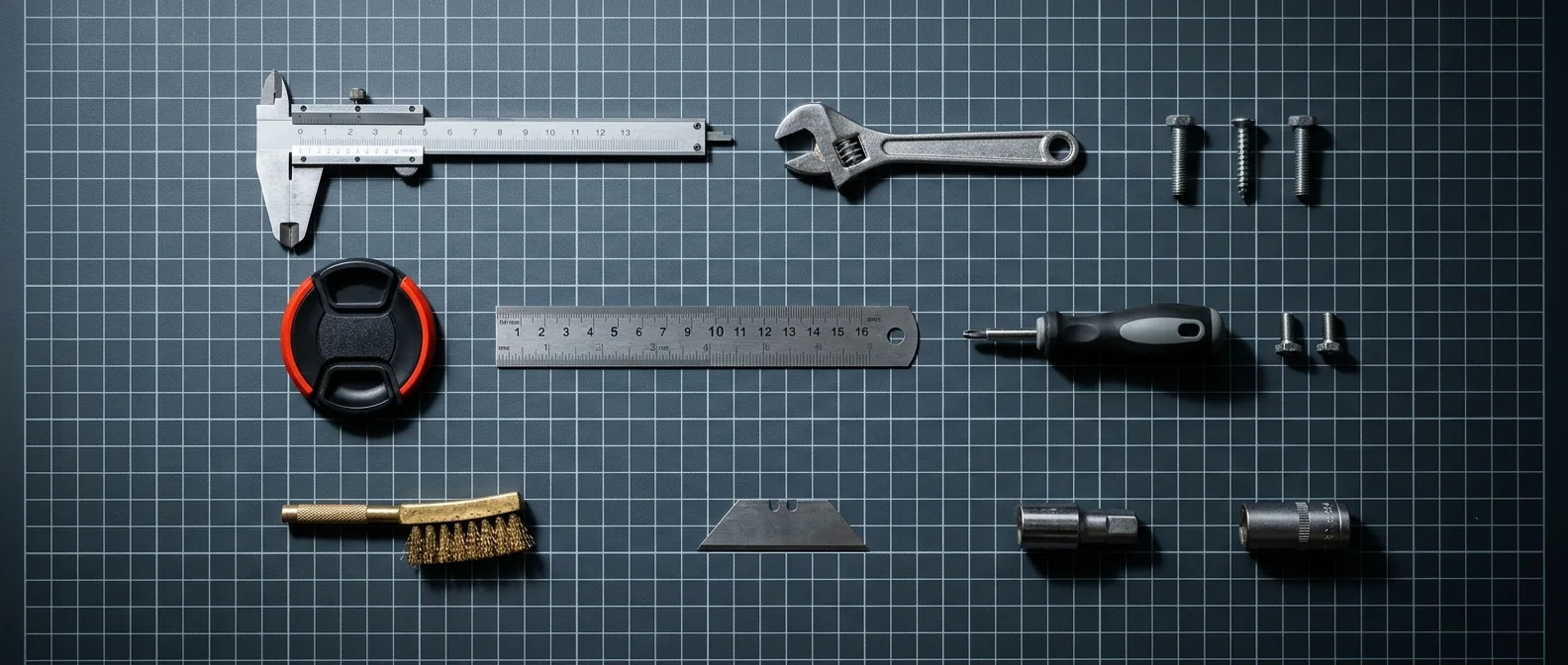
Hand tools arranged on a gridded surface, photographed straight from above
fig.04 / img.detect
3/4
img.detect

Detection: put a box around it.

Move from "what is in this image" to "where is it". Work through sliding-window thinking, classical detectors and modern neural approaches, and learn to measure a detector honestly.

img_detect.py
detections = net.forward()

for d in detections:
    if d.confidence > 0.5:
        draw_box(img, d.box, d.label)
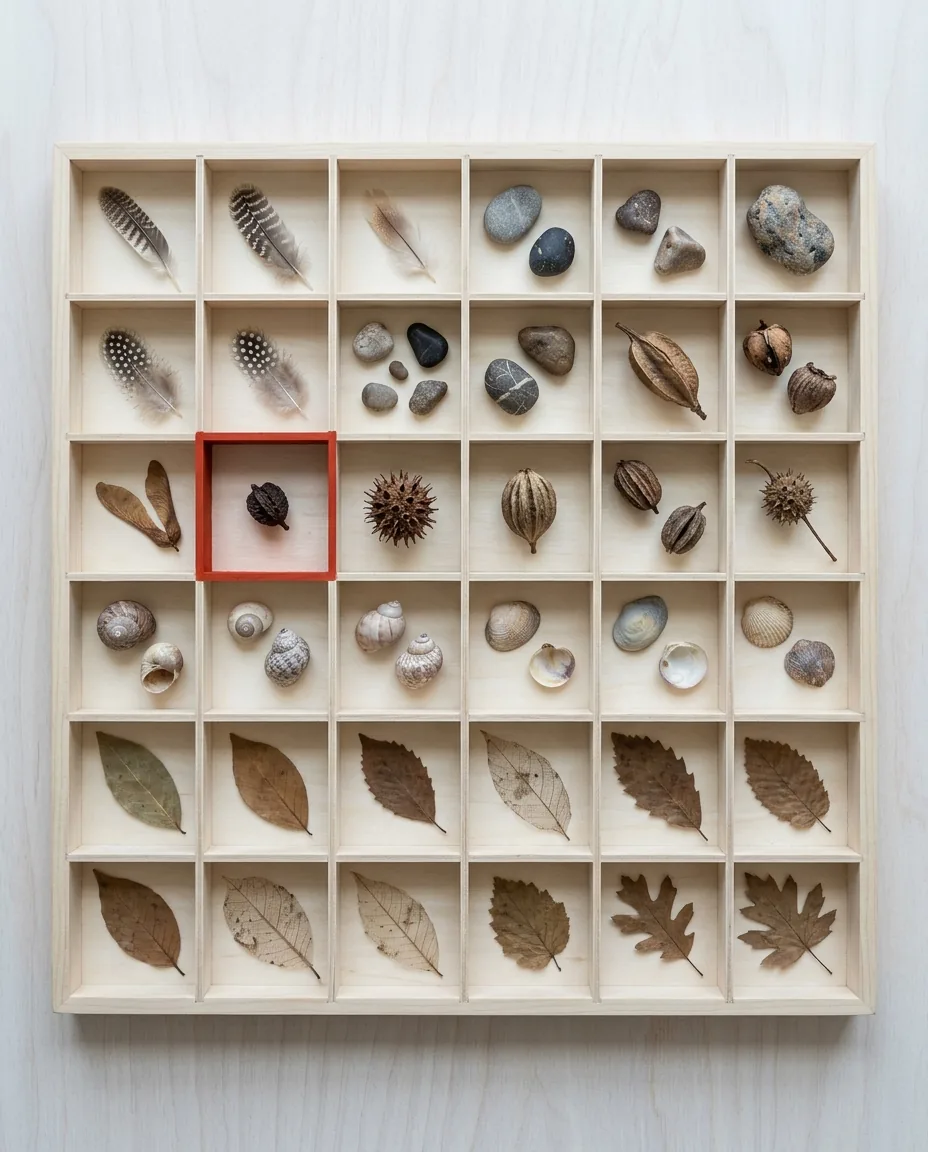
A compartment tray holding natural specimens sorted into neat cells
fig.05 / img.classify
4/4
img.classify

Classification: name what you see.

Assemble a dataset, split it correctly, train a classifier and read its confusion matrix. Understand what the model actually learned — and what it memorized.

img_classify.py
model.fit(x_train, y_train, epochs=10)

pred = model.predict(x_test)
print(confusion_matrix(y_test, pred))
course.curriculum

Seven modules. One pipeline.

Each module ends with a lab: a small program you write yourself, on your own machine, with your own images.

7 modules · 28 lessons · a lab each

    • +How a computer stores an image
    • +Setting up Python, OpenCV and NumPy
    • +Reading, writing and inspecting pixels
    • +Color channels and color spaces

    lab — Deconstruct a photograph channel by channel and rebuild it.

    • +Resize, crop, rotate and flip
    • +Affine and perspective warps
    • +Histograms and contrast
    • +Binary and adaptive thresholding

    lab — Build a page straightener that fixes a skewed document photo.

    • +Convolution and custom kernels
    • +Blur, sharpen and denoise
    • +Gradients and the Canny edge detector
    • +Contours and shape analysis

    lab — Extract clean outlines from a noisy photo and measure the shapes.

    • +Corners and blob detectors
    • +ORB and SIFT-style keypoints
    • +Matching descriptors across images
    • +Homography and image alignment

    lab — Stitch two overlapping photos into a panorama.

    • +Sliding windows and image pyramids
    • +Classical detectors: Haar and HOG
    • +Neural detectors and how to run them
    • +Precision, recall and honest evaluation

    lab — Detect faces and objects in a live webcam stream.

    • +Building and cleaning a dataset
    • +Train / validation / test splits
    • +A first classifier and a small CNN
    • +Overfitting, augmentation and the confusion matrix

    lab — Train a classifier on a category of objects you choose.

    • +Scoping a recognition problem
    • +Combining transforms, detection and classification
    • +Packaging code so others can run it
    • +Where to go next: video, tracking, deployment

    lab — Ship an end-to-end recognizer that works on your own images.

course.projects

Three things you will build.

Not toy snippets — small, complete programs that read real images and produce real output. Detection logs shown are illustrative examples of what your code will print.

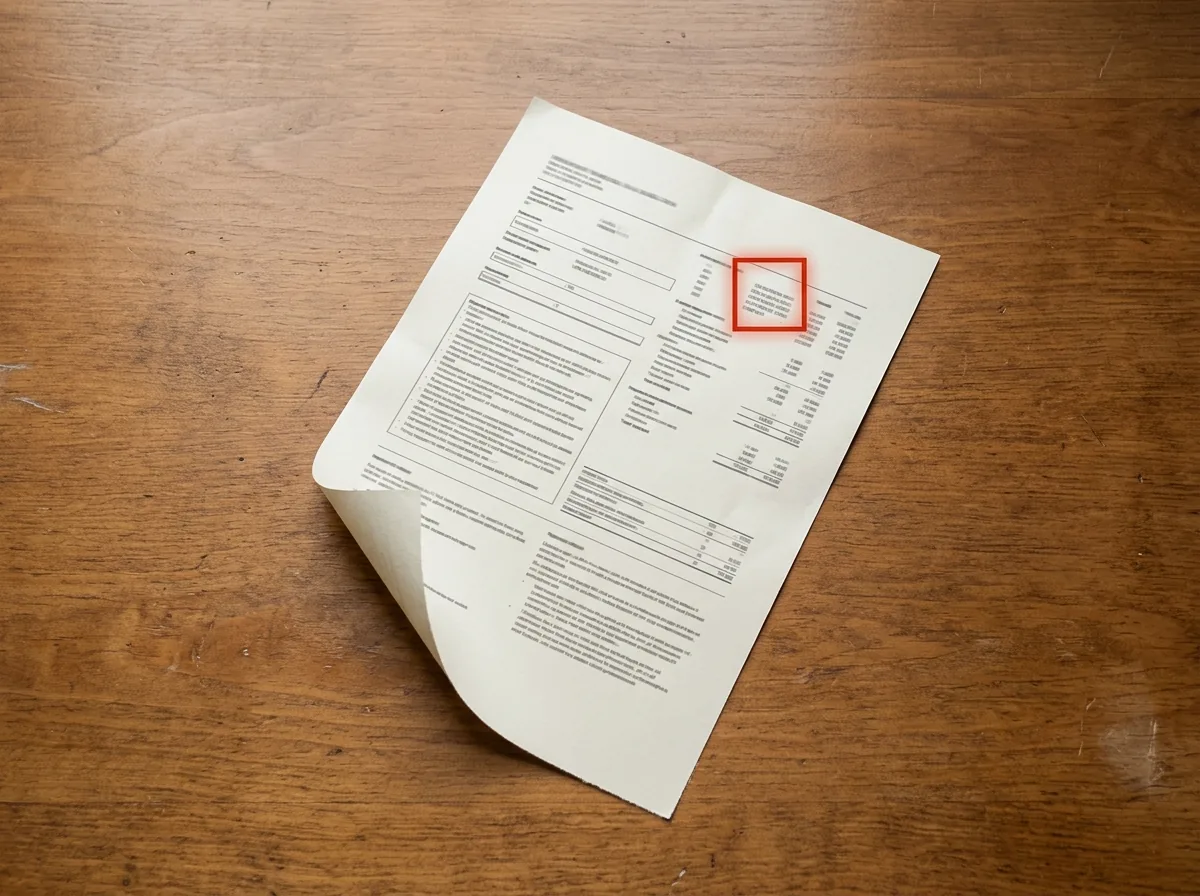
A printed document lying on a wooden desk, photographed straight from above
project.document_scanner

A document scanner

Find a page in a photo, correct its perspective and produce a clean, readable scan.

+corners: 4 detected +perspective: corrected +output: 2480 x 3508 px
A wide mountain horizon at dusk under a clear gradient sky
project.panorama

A panorama stitcher

Match keypoints between overlapping photos, estimate the homography and blend one wide image.

+keypoints: 500 per frame +matches: 212 inliers +homography: estimated
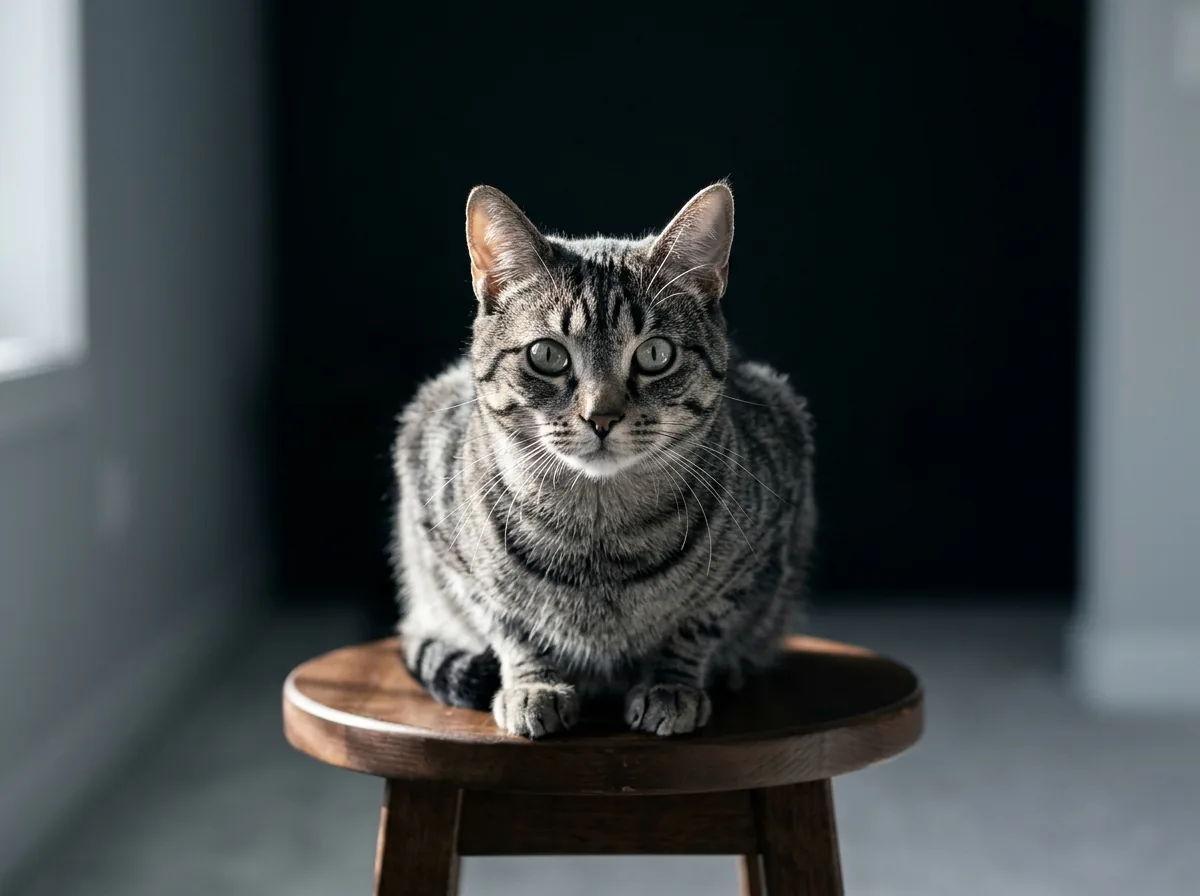
A cat sitting squarely in hard window light, looking at the camera
project.recognizer

An object recognizer

Train a classifier on your own dataset and point it at new photos — or a webcam.

+classes: 4 trained +cat: 0.93 +dog: 0.04
input.requirements

Is this course for you?

Built for you if

  • +You write Python and want to make it see.
  • +You have run an OpenCV tutorial but never understood what it did.
  • +You want detection and classification skills you can reuse at work.
  • +You prefer building real projects over watching lectures.

Probably not if

  • ~You have never written any Python.
  • ~You need a formal certification exam prep course.

You need

  • Python 3 with pip
  • OpenCV and NumPy (free, open source)
  • A code editor
  • Any computer — no GPU required
  • A webcam is useful, not mandatory
access.plans

Choose your plan.

Self-paced, one payment, access granted right after checkout. Every plan includes a 14-day refund window — see the Refund Policy.

Pixels

The fundamentals, end to end.

$119

  • +Modules 01–04
  • +Images, transforms, edges and features
  • +Hands-on labs for every module
  • +Self-paced lessons
Get Started

Vision + Toolkit

Everything, plus reusable material.

$329

  • +Everything in Vision
  • +Starter templates for all 3 projects
  • +Extended reference notebooks
  • +OpenCV quick-reference sheets
Get Started
docs.faq

Questions, answered.

You should be comfortable writing small Python programs: functions, loops, lists and installing packages with pip. No prior OpenCV, NumPy or machine-learning experience is required — those are taught from the ground up.

No. Every lab and project runs on an ordinary laptop. A webcam makes a few labs more fun, but sample footage is provided, so it is optional.

OpenCV for image processing, NumPy for array work, and a mainstream machine-learning library for the classification modules. All tools are free and open source.

It covers the parts of machine learning that vision needs — training a classifier, reading a confusion matrix, running a neural detector — but the focus is the full pipeline: transforms, features, detection and classification working together.

Access is granted right after payment. You sign in with the email you used at checkout and can start with module 01 immediately.

There are no cohorts, schedules or live sessions. Lessons and labs are self-contained, so you can move through them at whatever speed fits your work.

Something else on your mind?

Contact us

frame locked · scene understood · class: learner → builder

Show a machine the world.

Seven modules, three projects and a pipeline you can reuse at work. Start whenever you are ready.